
Signing in
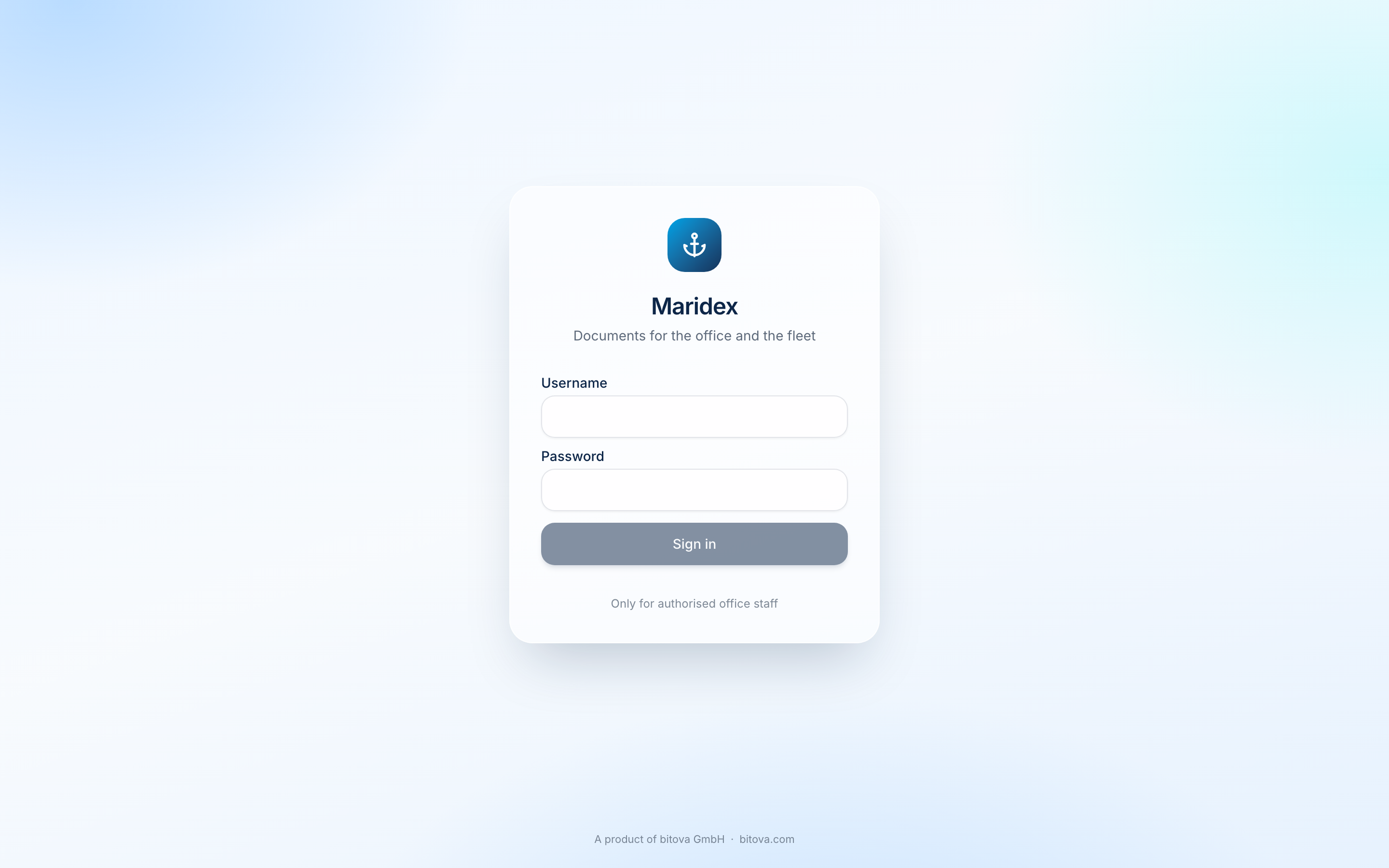
There are two ways to sign in, depending on what your company uses:
- Sign in with Microsoft – with your normal company account (the one you use for Outlook or Teams).
- Username and password – a login you received from us, for example for a trial.
Your picture and name appear at the bottom left. Click the arrow next to your name to sign out.
Your profile
Section titled “Your profile”Click your name at the bottom left to open Profile. There you can upload a profile picture.
A product of bitova GmbHbitova.com