
The web dashboard
In the web dashboard, the office keeps the company’s documents – the ISM manual, documents for the whole fleet, each vessel’s own documents and documents that stay in the office – and the fleet’s ship PCs. Open it in any modern browser (Edge, Chrome, Firefox, Safari) at the address your company received.
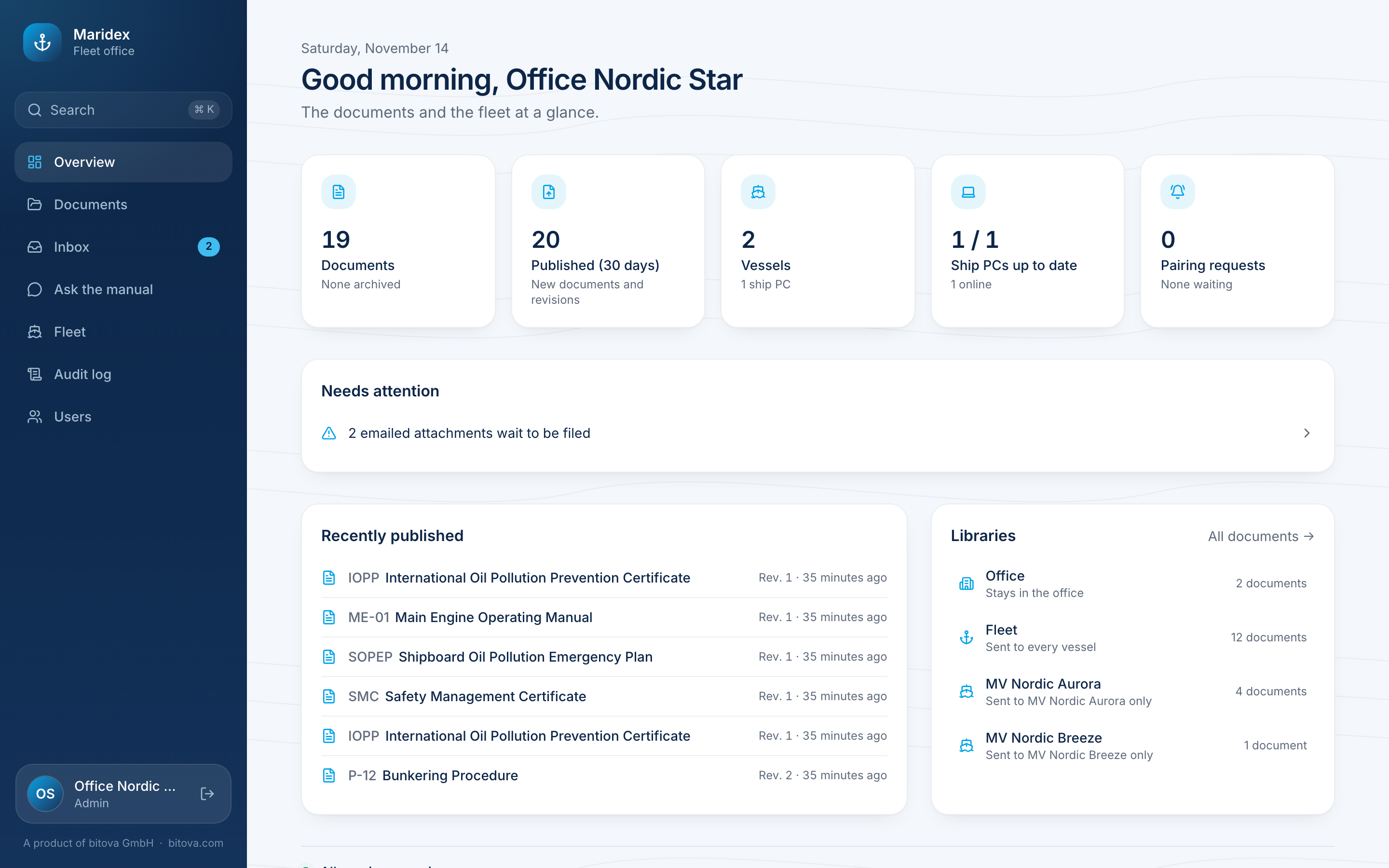
The Overview shows the most important things at a glance: how many documents there are, what was published recently, the libraries, the vessels, how many ship PCs are up to date, and pairing requests that wait for approval. Needs attention lists anything that needs a look, for example a ship PC that failed to update.
The menu on the left leads to all areas:
| Area | What you do there |
|---|---|
| Documents | Libraries, folders, documents and their revisions |
| Inbox | File or reject documents that arrived by email |
| Ask the manual | Ask the assistant questions about the manual |
| Fleet | Vessels, their libraries and ship PCs: approve, check, disconnect |
| Audit log | Everything that happened, in order |
| Users | Who may do what |
Who may do what
Section titled “Who may do what”Every person has one of three roles:
| Viewer | Editor | Admin | |
|---|---|---|---|
| Read and search documents, ask the assistant | ✓ | ✓ | ✓ |
| Add, move and archive documents, publish revisions | ✓ | ✓ | |
| Inbox: file or reject emailed documents | ✓ | ✓ | |
| Fleet: approve and disconnect ship PCs | ✓ | ✓ | |
| Read the audit log | ✓ | ✓ | |
| Manage users and roles | ✓ |
New users start as Viewer. An admin can change roles on the Users page.
A product of bitova GmbHbitova.com